

A NEW CHAPTER IN YOUR CAREER

Great work starts
with the right opportunity.

Discover roles that fit your skills and ambitions. Connect with employers, apply with one profile, and keep every next step in sight.

One profile, more possibilities Your search, your pace

YOUR NEXT MOVE

Find your next opportunity

Fresh openings from employers looking for people like you.

View all jobs

A CLEARER PATH FORWARD

Less searching.
More moving forward.

Everything you need to organise your next move, in one place.

Create your profile
01

Build your shortlist

Save the roles that stand out and return when you are ready.

Explore saved jobs
02

Keep your progress in view

Follow applications, interviews and offers from your workspace.

View your workspace
03

Stay ahead of your next role

Create alerts for your search and hear about matching openings.

Create a job alert

YOUR SEARCH, A STEP AHEAD

Let your next opportunity
come to you.

Create a job alert around your role and location. Choose how often you hear about matching openings.

Create your job alert

Start with a role you have in mind

Review your criteria and frequency before saving.

A LITTLE DIRECTION GOES A LONG WAY

Latest News & Advice

Ideas and practical guidance for your next career move.

The career edit 6 quick reads
  • 01
    Interviews

    How to ace your next technical interview

    Turn your preparation into clear, confident answers.

    Read quick tips for How to ace your next technical interview
    • Pick a recent project and explain the decisions, constraints and trade-offs.
    • Practise thinking aloud while solving a small problem.
    • Prepare questions about the team’s systems and engineering process.
  • 02
    The world of work

    Make remote and hybrid work for you

    Know what a flexible role actually expects before you apply.
    Read quick tips for Make remote and hybrid work for you
    • Confirm the office schedule, location eligibility and core working hours.
    • Ask how the team shares decisions and works across time zones.
    • Look for clear expectations about communication and availability.
  • 03
    Resume toolkit

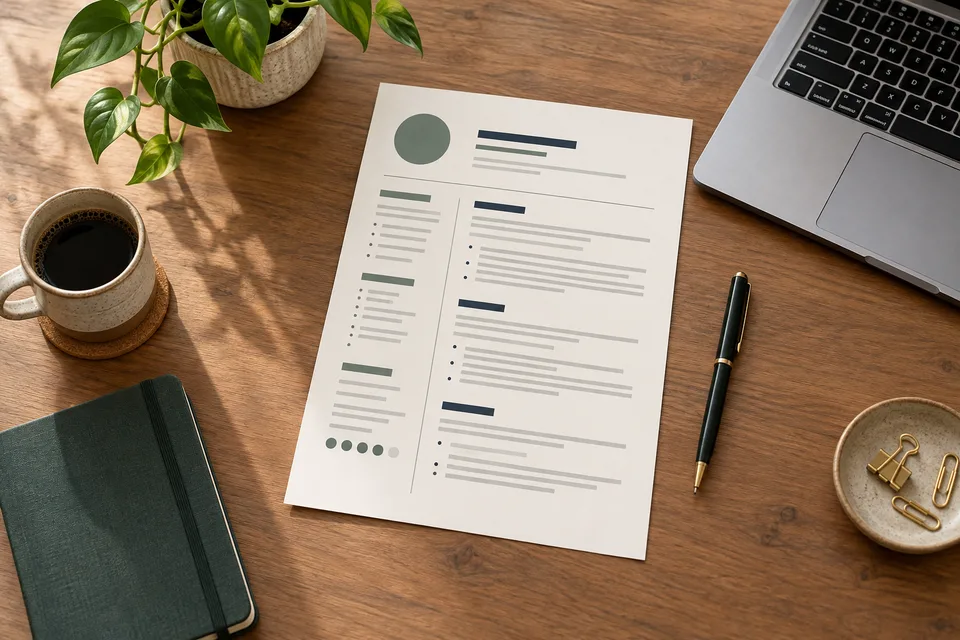
    Getting your resume past an ATS filter

    A clear structure helps your experience get noticed.

    Read quick tips for Getting your resume past an ATS filter
    • Use standard section headings and a straightforward layout.
    • Include the role’s relevant skills only where they reflect your experience.
    • Describe achievements with specific outcomes instead of a list of duties.
  • 04
    Career advice

    Make your profile work harder

    Give recruiters a quick, useful picture of what you bring.

    Read quick tips for Make your profile work harder
    • Lead with your current role, strongest skills and the work you want next.
    • Keep your location and experience details up to date.
    • Add a recent project or work sample that supports your strengths.
  • 05
    Your next move

    Talk about impact, not just tasks

    Show the difference your work made, with clear examples.

    Read quick tips for Talk about impact, not just tasks
    • Explain the problem you started with and what you changed.
    • Use relevant measures such as time saved, reliability or performance.
    • Be clear about your contribution and the team’s contribution.
  • 06
    Portfolio guide

    Build a portfolio recruiters can scan

    A few strong projects tell a better story than a long list.

    Read quick tips for Build a portfolio recruiters can scan
    • Choose two or three projects that match the roles you are seeking.
    • Give each project a short summary, your role and a clear outcome.
    • Check that links work and that public examples contain no private data.

A LITTLE CLARITY, BEFORE YOUR NEXT MOVE

Good questions.
Clear answers.

A few things to help you make the most of your job search.

Ready to explore?
How do I find jobs that match my experience?
Use the Experience filter in the search bar or choose a career-stage card above. Add roles, locations and work preferences to narrow your search. You can select multiple roles and locations together.
Can I explore remote and hybrid roles?
Yes. Explore your way has separate Remote and Hybrid tabs. Choose View all roles to open the full results, then check each job’s location and work requirements before applying.
How can I save a job for later?
Sign in and use the save control on a job. Your shortlist is available in Saved jobs, so you can return to the roles that caught your attention.
How do job alerts work?
Choose a role, location and other search criteria, then select your notification frequency when you create an alert. Manage your saved alerts from your workspace.
What happens when I select View & apply?
Open the job to read its requirements and application details. Some roles support applying through Grasshire; external listings may take you to the employer’s application page.
Where can I track my applications?
Sign in to visit Your applications and follow applications made through Grasshire. Check the employer’s platform for the status of applications submitted on external websites.